Building Auto Scaling System with LB, ASG on AWS
This blog lists the sequences of AWS services you have to setup for a scalable system. It is not required to setup in this sequence, but I found it is one of straight forward and the easiest way.
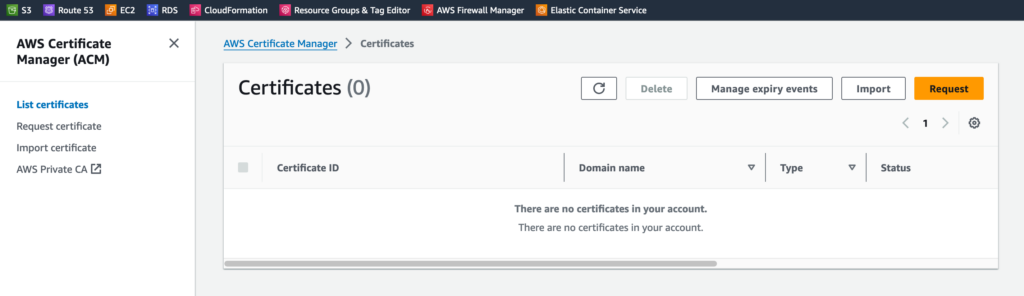
AWS Certificate Manger
Create SSL certificate for your system URL and import it. You can reimport for update.
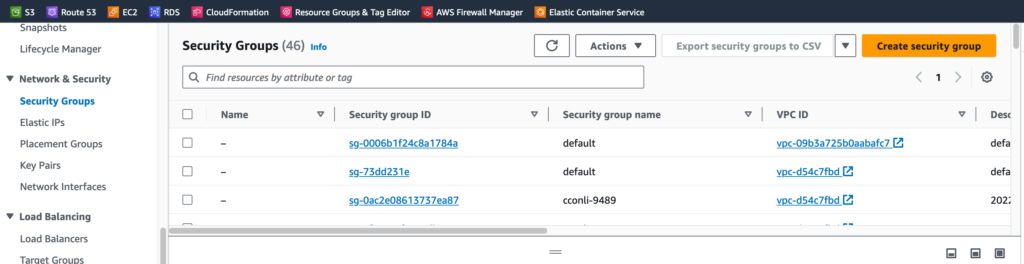
EC2 - Key Pairs & Security Groups
Create key pair to use. EC2->Network & Security -> Key Pairs
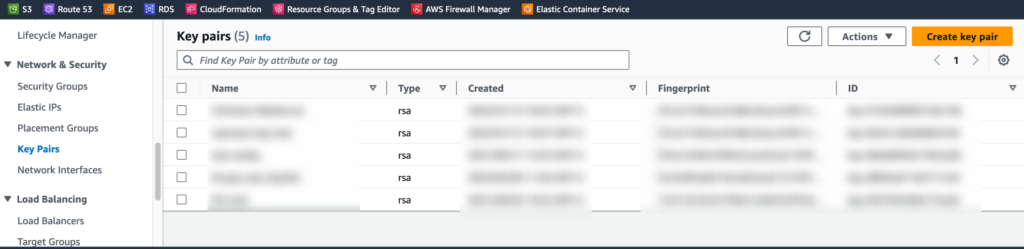
The user name of Ubuntu is Ubuntu not like other EC2 instances.
Create Security Group for CE2 instances(Web Server) and RDS(DB Server)
Dev Server
- Create one EC2 instance. This can be used as your dev. server.
- Configure your system on it.
- Create and Install SSL certificate. Do not set up redirect from HTTP to HTTPS. Auto Scaling Group listener will do the redirection.
- Lastly, create AMI Image fro Auto Scaling Group.
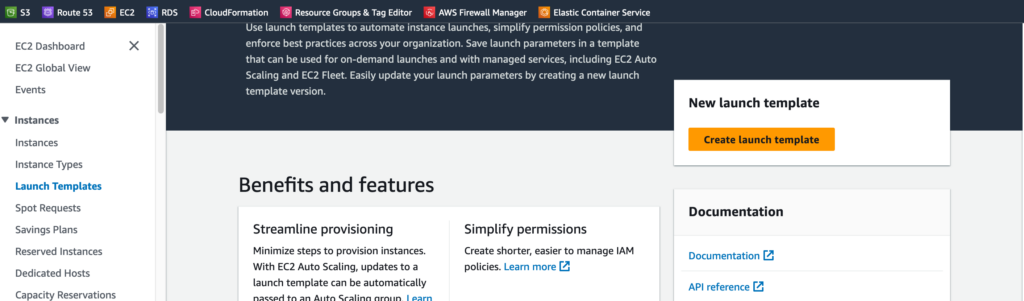
Launch Template
- Select the AMI image created from Dev Server.
- Select Actions -> Modify template(Create new version) to update Auto Scaling Group.
- Change Default version by clicking Actions -> Set default version
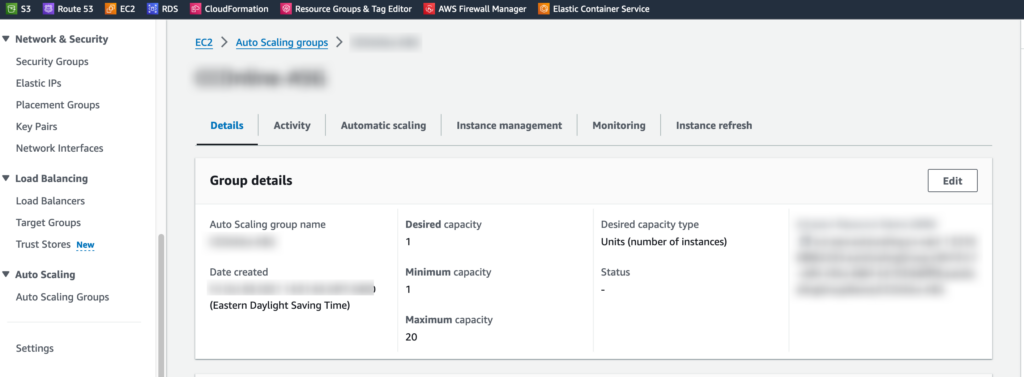
Auto Scaling Groups
- Create Sale in & Scale out Policy (Step Scaling)
- Create CloudWatch Alarm for Sacle in and Scale out Policy.
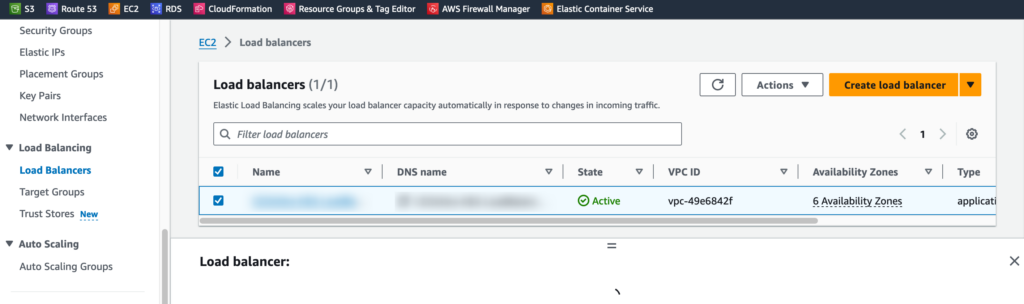
Load Balancers
- Your system URL should be assigned here.
- Create a Target Group to include instances from the Auto Scaling Group.
- Make sure Stickiness is enabled if your system uses sessions.
- Setup Listeners for HTTP(80) and HTTPS(443)
RDS
- Create one Parameter Group in Amazon RDS with "max_allowed_packet: 64000000"
- Modify cluster to have this new parameter group
- Reboot DB instances.
AWS WAF - Web ACLs
Make if sure to set IP sets if it has in-bound and/or out-bound API call to call/listen.